Panic Blog
End of the Road for Google Drive in Transmit
By Michael

We never like removing functionality from our apps. We especially don’t like doing it when it’s due to circumstances beyond our control. But, sometimes — rarely? — it can happen, and so, please take note:
At some unknown point in the future, Google will revoke Transmit’s access to Google Drive. Sometime after that, we’ll be releasing updates to Transmit and Nova that remove the ability to create Google Drive connections.
Transmit itself is of course still in active development, and no other connection types are affected.
(Note that existing connections should continue to work for as long as they remain authenticated!)
Why Though
Well, Google has a new set of policies that require apps that connect to Google Drive to go through expensive, time-consuming annual reviews, and this has made it extremely difficult for us to reasonably maintain Google Drive access. You may have seen iA Writer’s announcement that they are stopping development of their Android version for similar reasons. Our experience was different, but our circumstances are similar. While Google Drive may not be the most popular connection option in Transmit, we know many users rely on it, and we often use it here at Panic to send and receive files from the game developers we work with.
This is not a decision we took lightly, and was the result of much debate and anguish in the office. But rest assured we looked at every angle. Hopefully that explains everything.
Actually, I Want to Know More
Okay, okay, here’s a more background for the deeply curious. In 2019, Google announced they were adding additional security checks to apps with full access to users’ files on Drive. Shortly after, they prevented Transmit from authorizing new Drive users. We submitted Transmit to Google for review. And waited for months without hearing anything back.
Eventually, by reaching out through friends of friends of friends to find someone inside Google who could help, we got in contact with a Google employee who was very helpful in getting the process started. We went through review, and our access was restored in early 2020. Unfortunately, we were never able to get Google to approve Nova.
For the next couple years, the annual re-review was pretty straightforward. However, in December 2023, Google again disabled Transmit and emailed us, explaining that we would need to complete a “Cloud Application Security Assessment (CASA)” security review. The review found no security issues with Transmit, but it was an incredibly lengthy process. It involved registering with a security lab, running a vulnerability scanner on Transmit’s source code, and filling out a long form. Between each step, we had to wait for days before we’d hear back from the lab, causing the process to take nearly a month.
In March, Transmit was re-approved for Google Drive access — but we were told we would now need to pass this check annually. At this point, we began to question whether this yearly process was worth it.
Between the weeks of waiting, submitting the required documentation and the process of scanning the code, it took a significant amount of time from our engineers. For example, Google provided a Docker image for running the scanner, but it didn’t work. We had to spend more than a week debugging and fixing it. And because the scanner found no problems, it didn’t result in any improvements to Transmit. No one benefitted from this process. Not Google, not Panic, and not our users.
As a small, independent developer, losing this time for no benefit is a huge cost. That week could have been better spent improving our products. But even so, at the time, we resigned ourselves to the yearly checks. We didn’t want to let our users down, and hopefully, now that we had experience with it, the scanner would be easier to run next year.
But then… a couple of months later, Google completely removed the option for us to scan our own code. Instead, to keep access to Google Drive, we would now have to pay one of Google’s business partners to conduct the review. They promised a discounted minimum price, but no maximum price. We realized that either we’d most likely be paying someone else a chunk of cash to run the same scanner we were running, or our bill would end up much higher.
These ever-shifting requirements and expenses are finally catching up to third parties. Other products have discontinued Google Drive support or come up with interesting workarounds with various limitations that don’t work for all users. Ultimately, we think any workaround strategy is too risky and may result in banned accounts, and we definitely don’t want to be responsible for anyone getting banned.
We’re Very Sorry!
In short, with all these factors in play, we have decided we will not attempt to renew Google Drive access for Transmit once it expires. We’ll miss it too. We will instead focus our efforts on other features and products. We know that this situation, to put it in simplified terms, kinda sucks. If Google ever revises their security policies to be more in reach for a small software company like Panic, we will definitely take a second look.
Thanks for using Transmit and thanks for supporting Panic for all of these years. Onward.
Herdling. Coming 2025.
By Neven
Just announced at gamescom, Herdling is a brand new, beautifully epic video game from Okomotive, the creators of the atmospheric and acclaimed FAR: Lone Sails and FAR: Changing Tides, and Published by Panic.
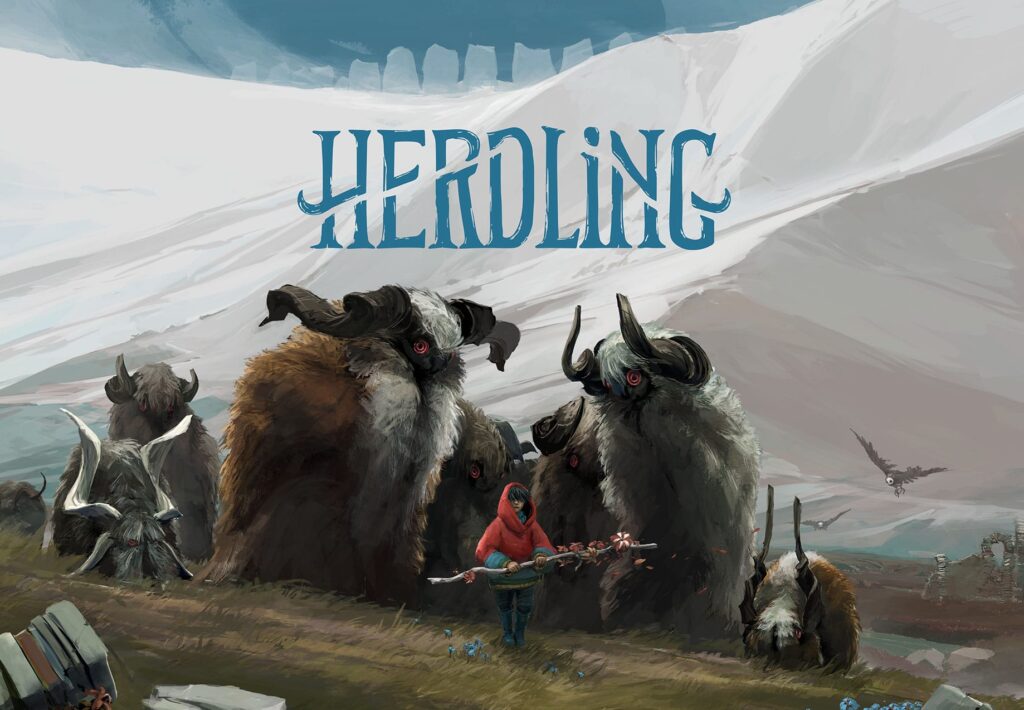
In Herdling, you head out on a grand alpine expedition with a group of lovable beasts and ascend a mountain path, encountering eerie dangers and surprising obstacles, forging your way to the mystery at the summit.
It’s an unforgettable experience.
You really should watch the game reveal trailer, here:
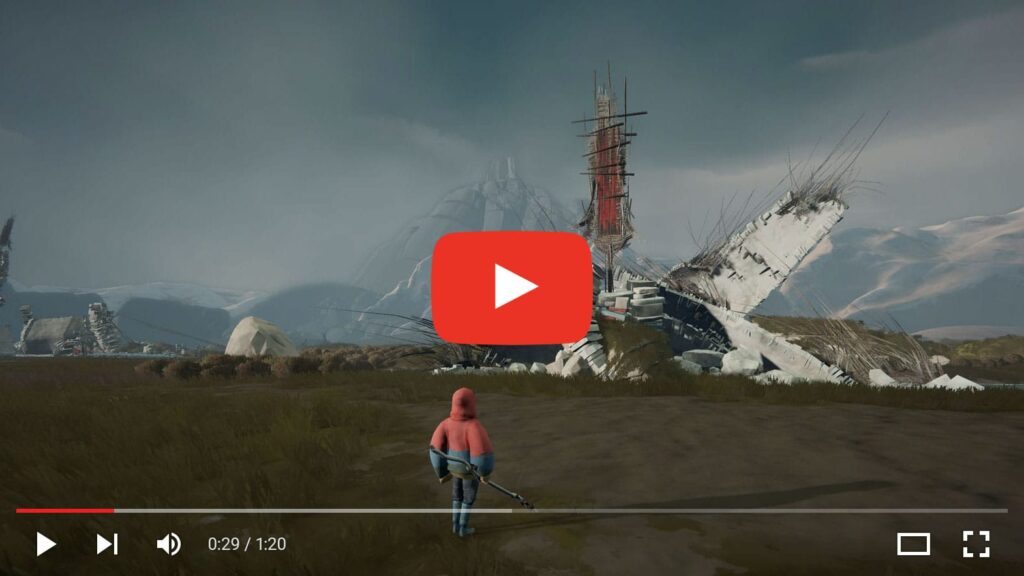
If you have any plans to attend PAX West, then please stop by the Panic Booth #633 (right across from Larian Studios),say hi to us, and be the first to play a little bit of this incredible new game.
Herdling is possibly the biggest project we’ve helped publish, which is a little scary and also extremely exciting. We think it’s really special, and we hope that it will also resonate with you when it launches next year.
See you soon,
Panic
PS: Remember to follow Panic on Steam and wishlist our growing list of games!
ARCO is here!
By Neven
Panic’s busy summer continues with yet another game we’re publishing—and video games don’t come a lot more video gamey than ARCO, a dynamic tactical RPG where your decisions shape the story. It’s got incredible pixel art and great music. It’s lengthy, challenging, and rewarding.
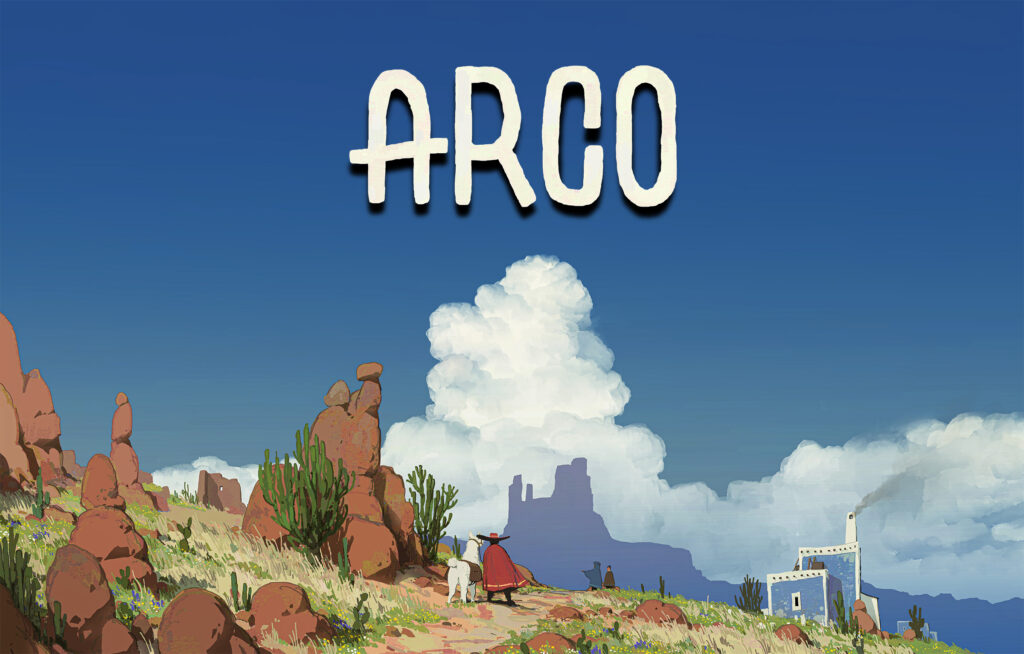
The press also had a chance to check out Arco, and they had this to say:
“…beautiful to look at, runs like a dream and oozes unique personality…”
—Magnus Groth-Andersen, Gamereactor
“…weaves its tapestry through expressive pixel art, refined systems, and remarkable self-confidence. Arco has the juice, the sauce, the rizz – whatever you want to call it, Arco is dripping with it.”
—James Woods, WellPlayed
9/10
—Edge Magazine
(You read that right—nine out of ten. I know, it took us a moment to comprehend it.)
Also, don’t sleep on the incredible Arco soundtrack, composed by José Ramón “Bibiki” García.
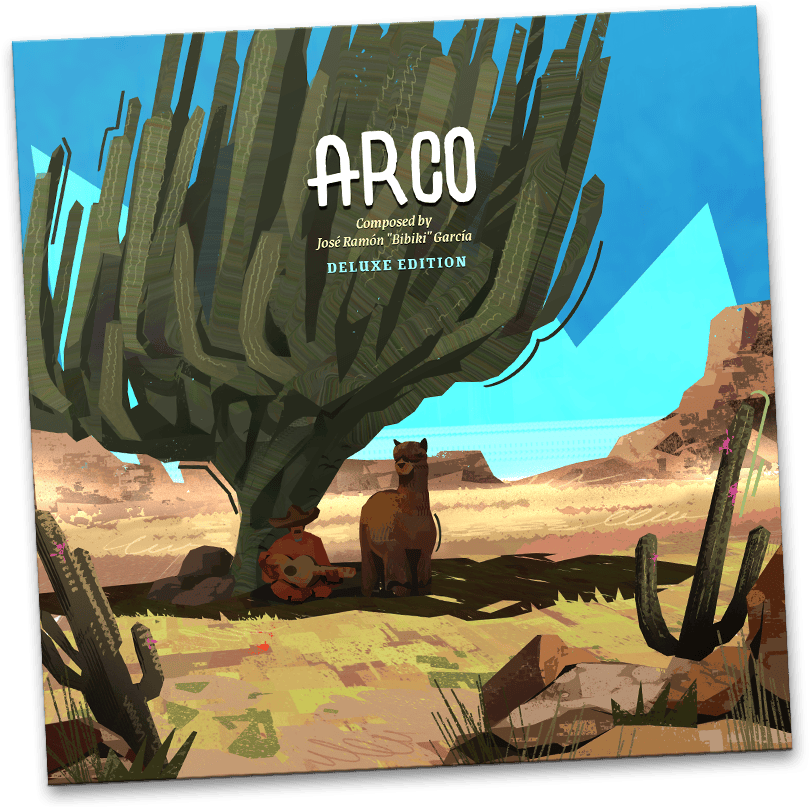
It’s a musical masterpiece, available on Bandcamp, Spotify, etc.
We really hope you enjoy Arco. It’s a proper video-game video game, and all of us at Panic are enormously excited for you to dig in.
Thanks for playing,
Panic
PS: Don’t forget to follow Panic on Steam and slap those wishlist buttons!
Thank Goodness You’re Here! is here.
By Neven
Hello, friends. Readers of this blog probably know us best for our developer-focused apps. But we also publish video games—and we have a really special one to introduce to you, out now for you to play.
Thank Goodness You’re Here! is a cheeky comedy slapformer—an extremely British romp filled with unlikely tasks, giant meat pies, and everything everywhere smacked into shape, or out of it.

The reviews are in, and, if we’re honest, they’ve totally blown us away.
“…one of the most unique and memorable experiences of the year–as well as one of the funniest games ever made.”
—Matt Gardner, Forbes
★★★★★
“…a bold bit of masterfully orchestrated comedy that confounds expectations at every conceivable turn.”
—Matt Wales, Eurogamer
★★★★★
“…the new high watermark for a comedy game. Constantly hilarious, inventive and creative, it’s a complete joy.”
—Jordan Middler, VGC
All the praise for this game is earned by our friends at Coal Supper, a lovely team who worked amazingly hard over the past few years to make this incredible, hand-crafted piece of art. Great work, lads.
You can get Thank Goodness You’re Here! on Nintendo Switch, Steam, the Mac App Store, Epic Games Store, or PlayStation 4 and 5.
See you next game,
Panic
PS: Here’s a little music video of game co-Creator James Carbutt playing a track from the game’s original soundtrack (coming soon!) with friends.
Panic Podcast, Season Two
By Neven
The Panic Podcast is BACK with another season! The new episode, Season Two, Episode One (S2E1, in the parlance of our times) is titled PAX AT It Again. It attempts to answer one of the hardest questions in both software and games, which is:
Why would anyone—and in particular, Panic—want to make a trade show booth?

It’s 45 tightly edited, gripping minutes on the topic of spatial design (literally). Plus, it includes a look ahead to some of our Season Two episodes!
Listen to it here—or, you know, wherever you get your podcasts.