Try Transmit for 7 days — for free.
Keep it forever for only $45.
This download is the full version of Transmit, but it only works for 7 days.
If you like Transmit, you can instantly buy an unlock code to keep using it!
- Download Transmit Now!
- Made for macOS. Requires macOS 13.0+
- See what’s new in this version.
The gold standard of macOS file transfer apps just drove into the future. Transmit 5 is here. Upload, download, and manage files on tons of servers with an easy, familiar, and powerful UI. It’s quite good.
More Servers.
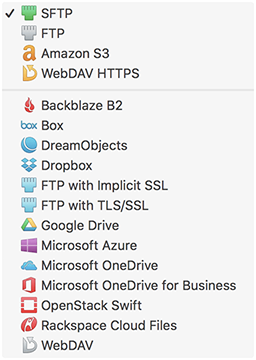
Transmit now connects to 11 new cloud services, like Backblaze B2, Box, Google Drive, DreamObjects, Dropbox, Microsoft Azure, and Rackspace Cloud Files.
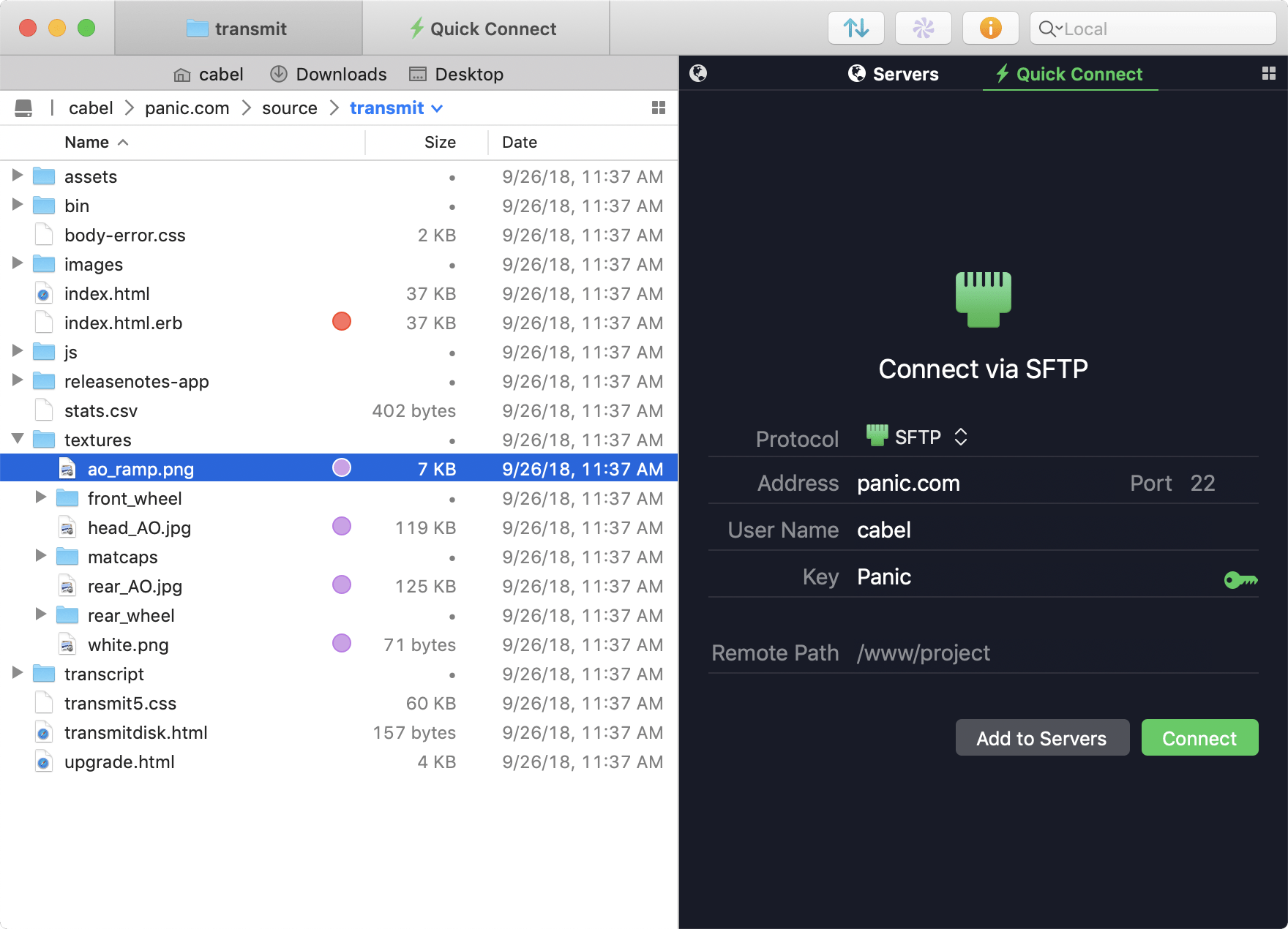
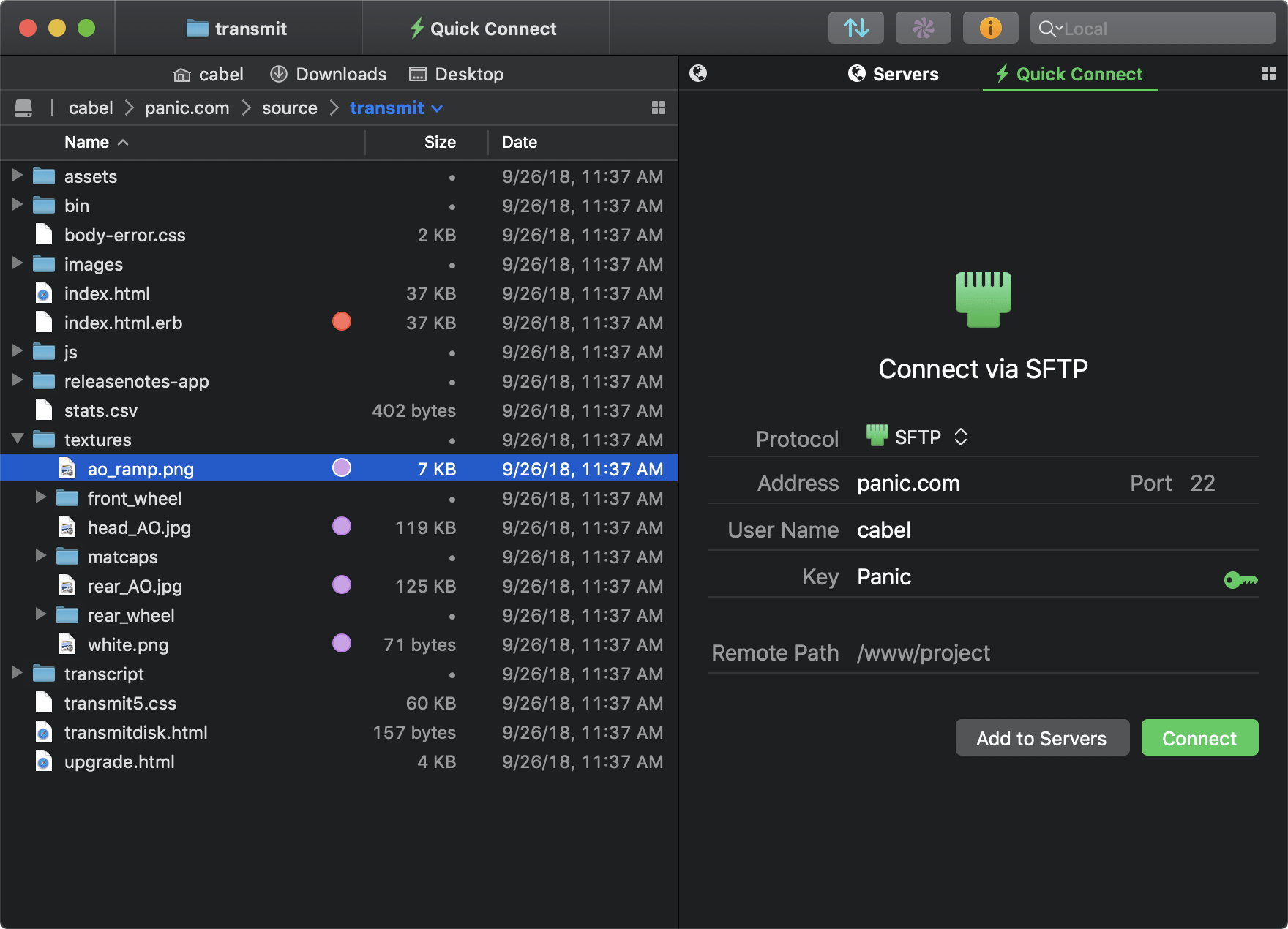
And yes, Transmit still handles the classics — FTP, SFTP, WebDAV, and S3 — better than any. We make complex services drag-and-drop simple.
- Backblaze B2
- Box
- Google Drive
- Microsoft Azure
- Rackspace Cloud Files
- Dropbox
- Microsoft OneDrive for Business
- DreamObjects
More Sync.
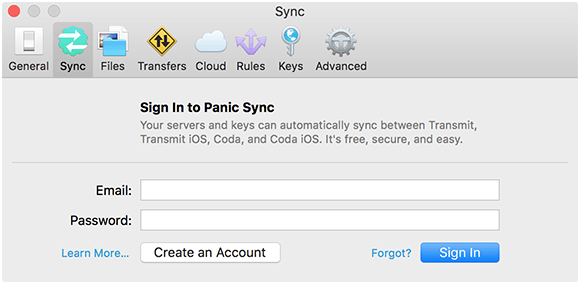
Transmit 5 now includes Panic Sync, our secure and fast way to sync your sites. (You can learn about Panic Sync here.) And our File Sync feature adds support for local-to-local and remote-to-remote sync, while also giving you more fine-grained control.
More Speed.
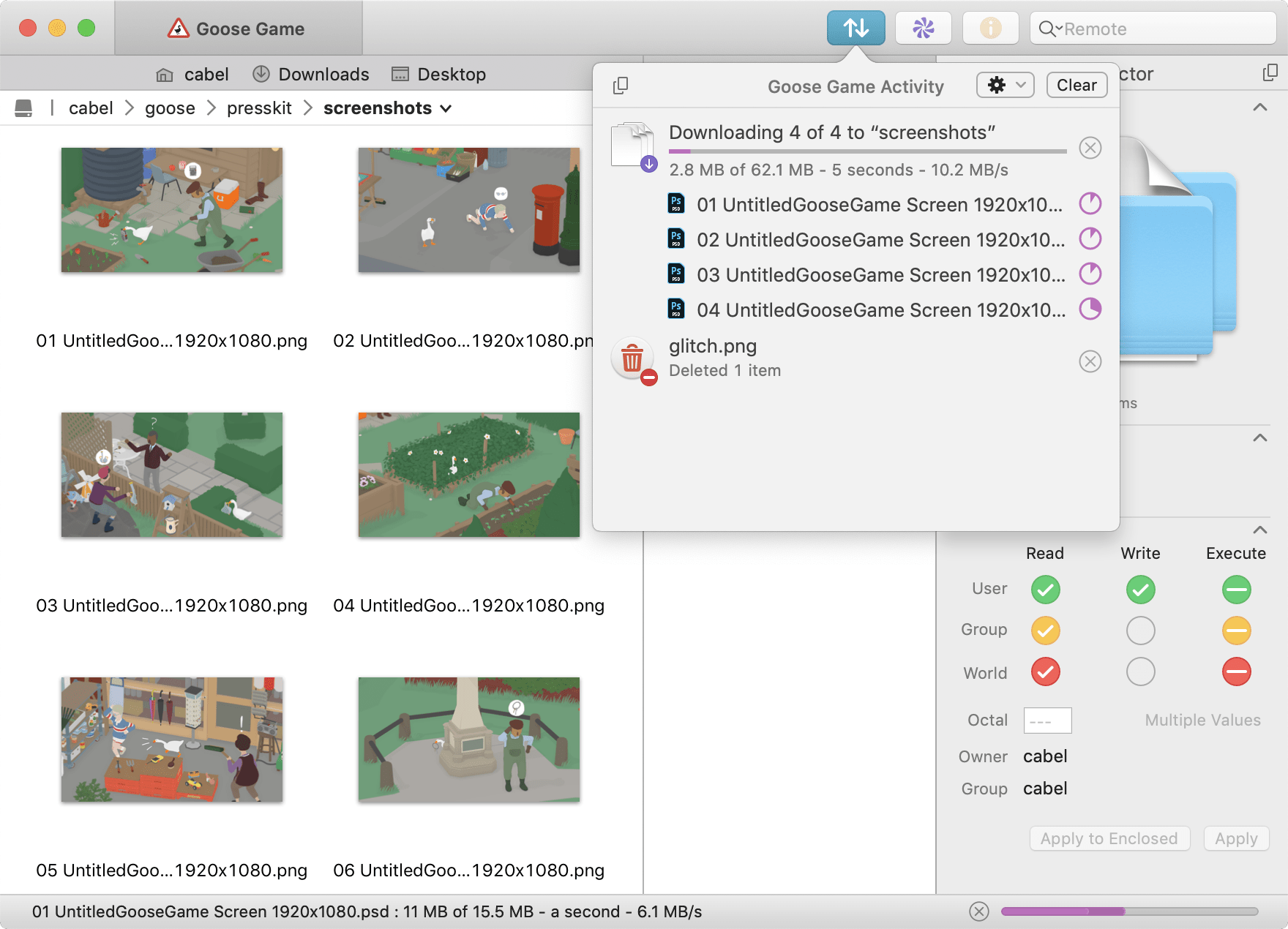
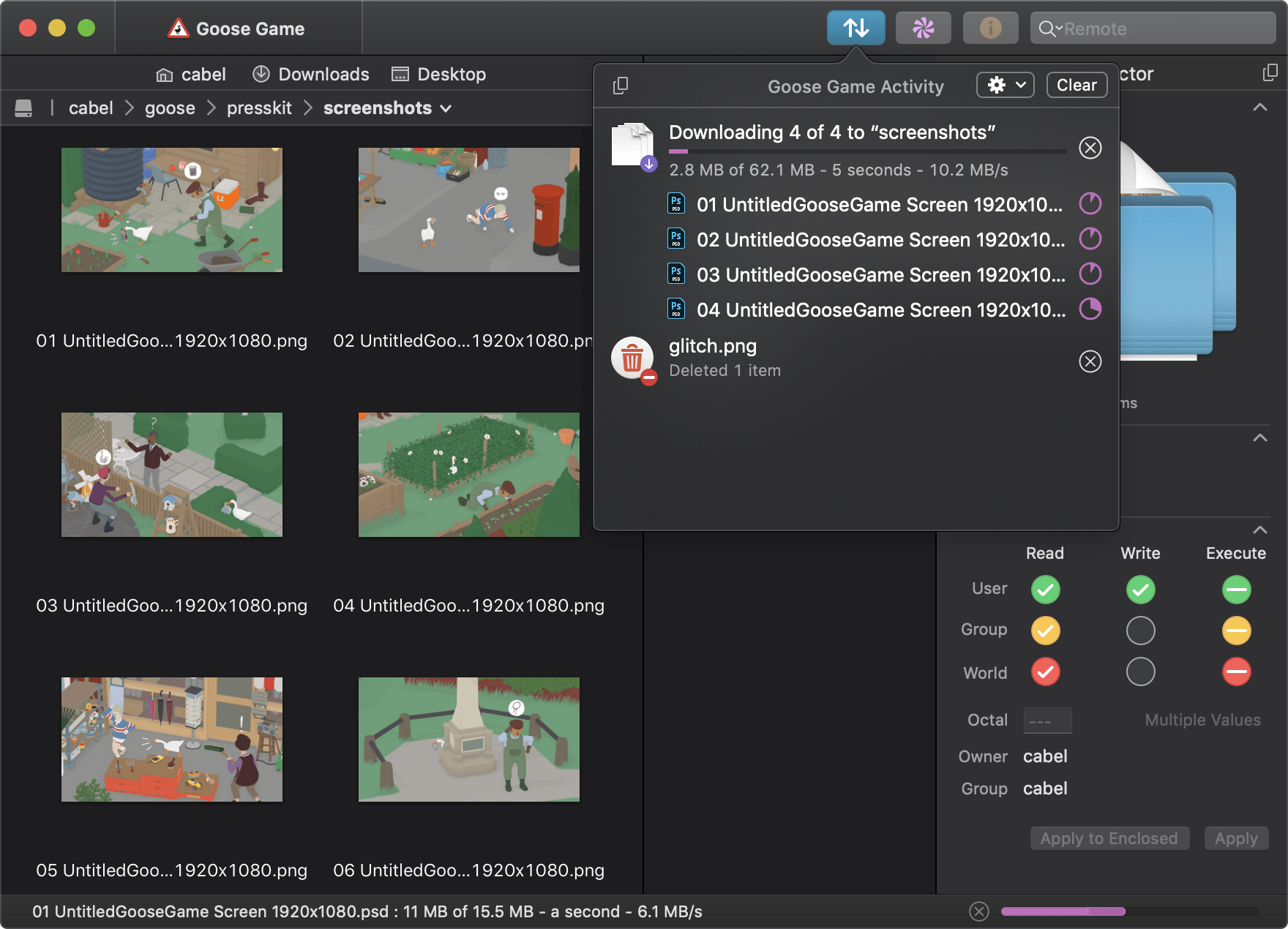
We disassembled Transmit’s engine and rebuilt it, again, to significantly boost speed. T5 is better at multithreading and smarter about complex folders. Plus it’s got a new activity view to better focus on what Transmit is doing right now. It’s very fast.
Much More.
It’s been a very long time since the last major Transmit update, and we had a lot to do. Put simply, almost every corner of Transmit has been improved. Some examples:
Get Info Sidebar. Inspect items as you browse.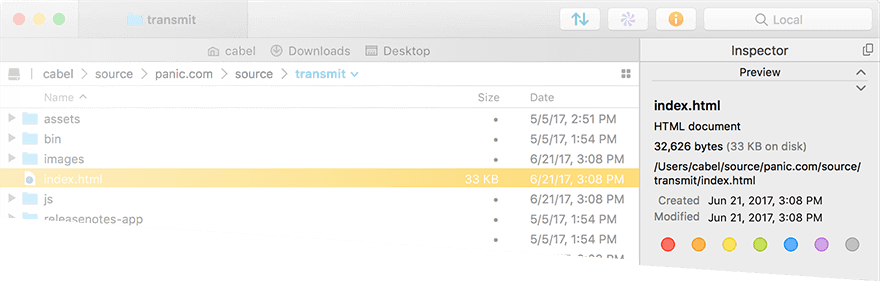 Batch Rename. Powerful, flexible, and built-in.
 Places Bar. Jump to your favorite folders with one click.
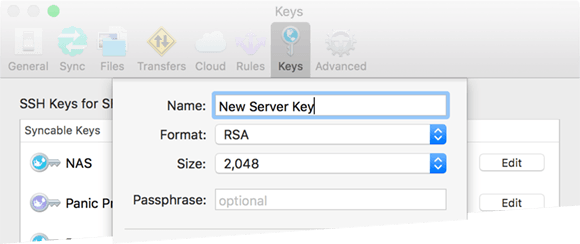
 Keys. Manage and generate secure keys without leaving Transmit.
- Tags
- Local-local sync
- 2-factor login
- Remote-remote sync
- Open in Terminal
- Improved File Rule options
- Improved remote URL copy
- New Places bar
- Sort in Column View
- More text size options
- Selectable file sync
- Improved file sync progress bar
- NFC filename support
- English, Chinese, French & German
- Amazon S3 API V4 support
- Amazon GovCloud S3
- Brand new UI
- SFTP ProxyCommand
- Extra-large Amazon S3 files
- OpenStack Swift
- Copy and paste for files
- YubiKey support
- NTLM & HTTP Digest authentication
- Krypton support
What is Transmit?
So, you have files you need to manage on servers. Maybe you’re a developer. Maybe you’re a system administrator. Maybe you’re a contractor or freelancer. But you need to connect to a thing, and upload, download, or tweak the files on that thing.

That’s what Transmit is for.
Transmit’s big strength is its clean interface — our famous “dual-pane” view is way faster than the Finder. But Transmit also has tons of very nice features like File Sync, which can mirror remote and local (or, now, local and local!) files in one click.

Transmit also takes great care to let you organize your Servers for fast access. And with Panic Sync, you can sync them to all of your computers. Never type a server address again.
Now, long ago we’d call Transmit an “FTP client”, but today, with Transmit 5, we connect to lots of different server types and cloud services. For example, Amazon S3 dramatically changed the way files are served on the internet, and Transmit is a great way to manage your Amazon S3 buckets.
Put simply: Transmit lets you quickly and easily manage files on the internet.
Screenshots
Need Help?
No problem! Find docs, tutorials, hints, or get support.